A Look at Some of Our Favorite Cinematic Suite Tools in Topview’s Film Studio 2.0
The film and video landscape is changing rapidly, and whether you love it or hate it, if you want to keep up with this new AI frontier, this might be one of the best places to start. As we covered in the intro piece , Topview is more than an AI clip tool; it’s a platform for those interested in AI filmmaking itself, or in finding ways to use AI tools to assist with traditional filmmaking processes
The film and video landscape is changing rapidly, and whether you love it or hate it, if you want to keep up with this new AI frontier, this might be one of the best places to start.
As we covered in the intro piece, Topview is more than an AI clip tool; it’s a platform for those interested in AI filmmaking itself, or in finding ways to use AI tools to assist with traditional filmmaking processes.
To dive deeper, we’ve picked out some of our favorite AI tools from Topview’s Film Studio, Cinematic Suite, which offer filmmakers more than random clips; they can develop and even direct their own cinematic projects.
Exploring Topview’s Film Studio Cinematic Suite
As you can see in our video breakdown, we got to explore the Topview platform and dive into the Film Studio, which might be the best place for filmmakers to try out different AI tools and workflows.
Topview’s Film Studio 2.0 offers a wide range of tools in its cinematic suite and other film skills in its library that can help filmmakers and artists create complete AI films with connected stories, consistent characters, and shot-by-shot creative control, all on one easy-to-navigate canvas.
We’ll get into the specific tools we dove into a bit more below, but if you’re checking it out for the first time, it’s worth noting that the cinematic suite is growing, and there are 25+ tools in the cinematic suite now, including visual style modifiers, storyboard previews, and full-scale 3D builders, along with hundreds of Film Skills, including director controls, action sequences, and director-inspired looks.
Once you dive into the platform, you can also create your own Film Skills to easily replicate your favorite scenes, workflows, or moves.
Our Top Cinematic Suite Tools
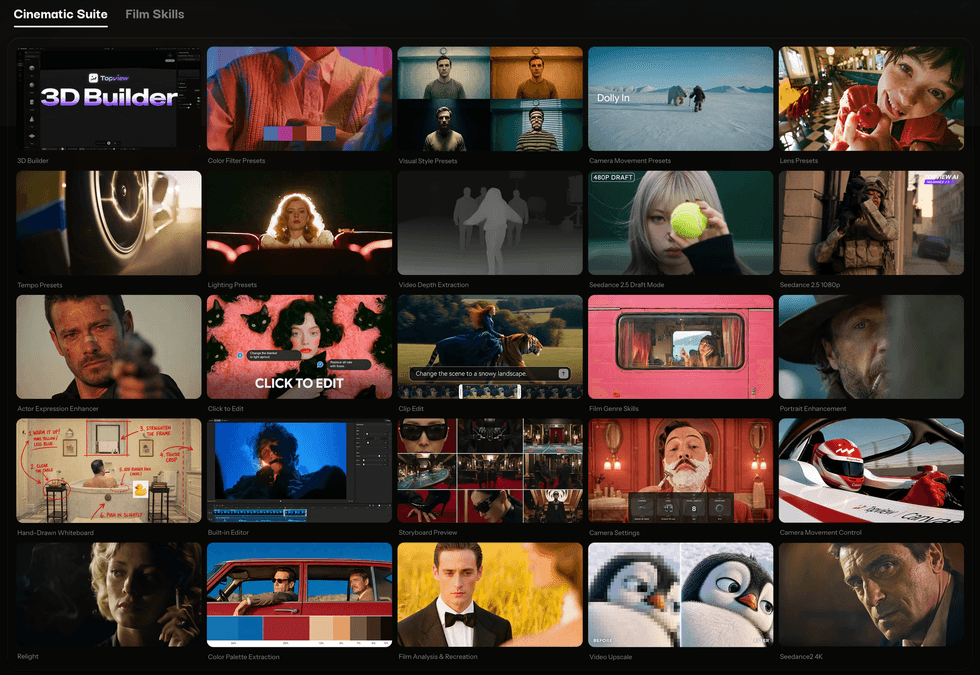
Now, moving on to some of our favorite tools we tried in the Cinematic Suite, we want to highlight the following five tools as helpful for those exploring these AI filmmaking workflows for the first time.
Actor Expression Enhancer

Perhaps the most interesting tool in the Cinematic Suite, it solves one of the most common issues we see with AI films and videos: the acting and performance of these AI characters. They’re often flat, odd, or uncanny.
This tool is a helpful, direct way to work on these AI performances by letting users give specific directions and make major to minor adjustments. You can change subtle reactions, adjust eyelines, or aim to help them hit and land their emotional beats better.
Clip Edit
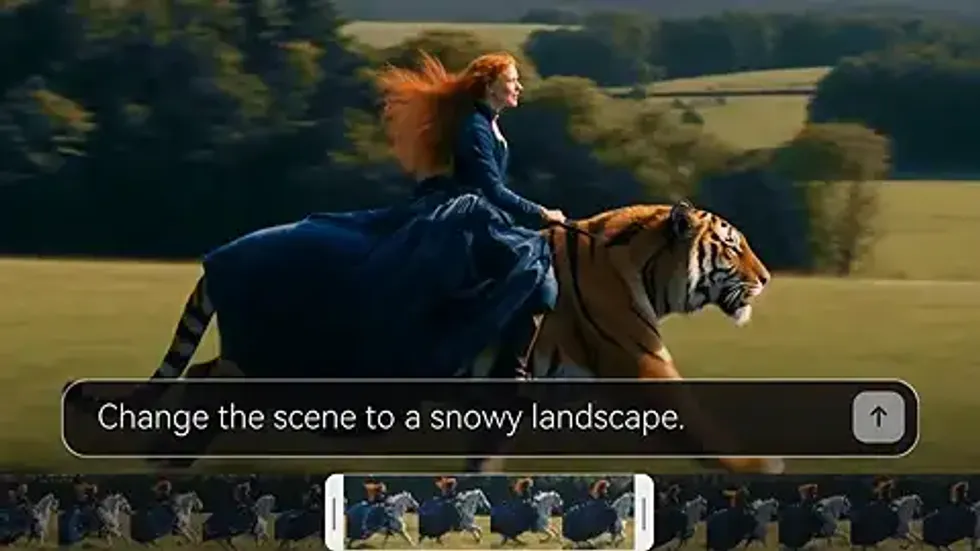
A more basic tool that can be most helpful for those with video editing backgrounds, as it is a simple way to hone in on one clip or part of your project without needing to regenerate your whole film.
The Clip Edit tool also now has an Edit with Masks feature, which we’ve enjoyed exploring, and it can be an even better way to dive deeper and make granular changes to your clips while saving time and resources.
3D Builder
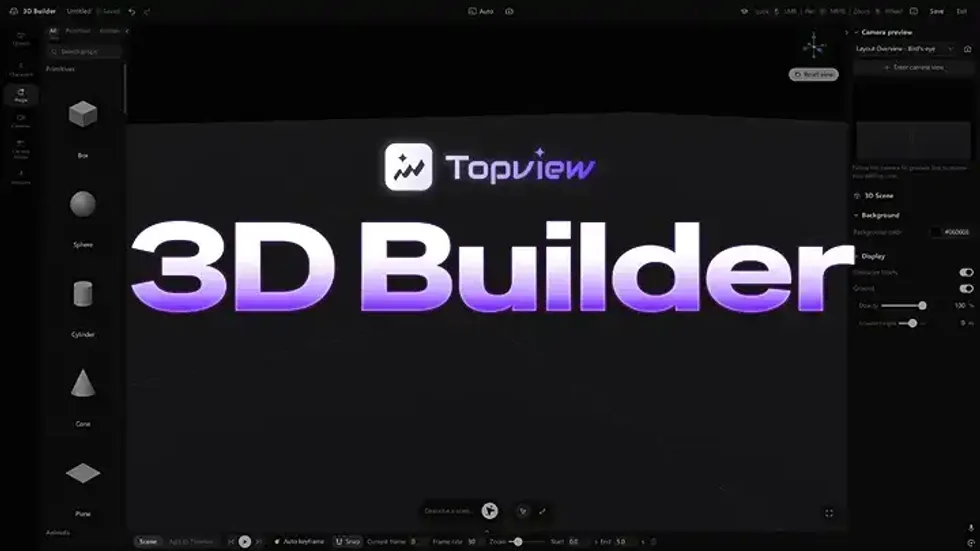
One of the more ambitious, and certainly deep and complex, tools in the Cinematic Suite is the 3D Builder, which lets you completely rearrange your scenes, block subjects, move your camera around, and then test all these spatial relationships in 3D before you generate.
It’s quite sophisticated and worth exploring further, especially if you have a background and interest in 3D design and modeling and want an interface that lets you make very precise moves and sequences.
Storyboard Preview
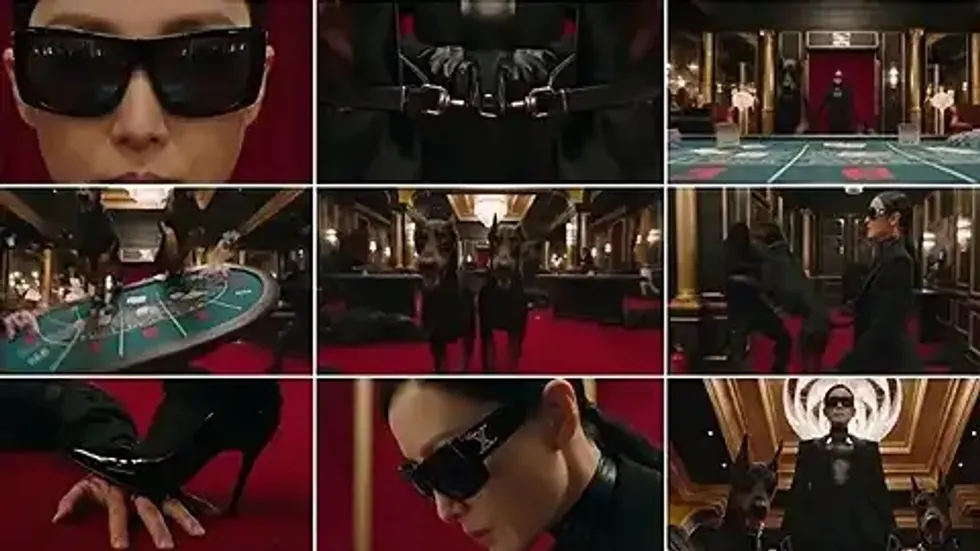
For those coming into Topview’s Film Studio with little to no AI video experience, this could be a good first tool to try, as it shows how AI filmmaking has evolved over the past year or so.
Most workflows for artists in this space start with image generation and storyboards because, as you can guess, they are the easiest to control, the most cost-efficient in terms of generation resources, and most helpful for defining your characters, shots, and moves—similar to how actual filmmaking works.
Film Genre Skills

Finally, the Film Genre Skills tool is one of the most fun to explore for inspiration, with over 200 built-in film style skills already added to the platform. You’ll obviously recognize many of these, and many have been shared online in the past.
But if you have a cinematic style in mind that goes with a genre you’re trying to work in, whether you ultimately use these generations for your final projects or just as stylistic inspiration, this could be a good tool to explore and play around with the style, look, and overall aesthetic of your video.
More to Come
These are our top picks for tools in the Cinematic Suite that we found most interesting to explore. You can obviously try many more yourself and see which ones are most intriguing and helpful for your own workflows.
Stay tuned for the next installment in our series, where we create a full AI micro film from start to finish.