ARRI’s Live Production Monitor Gets Some New Power Management Safeguards and Improvements
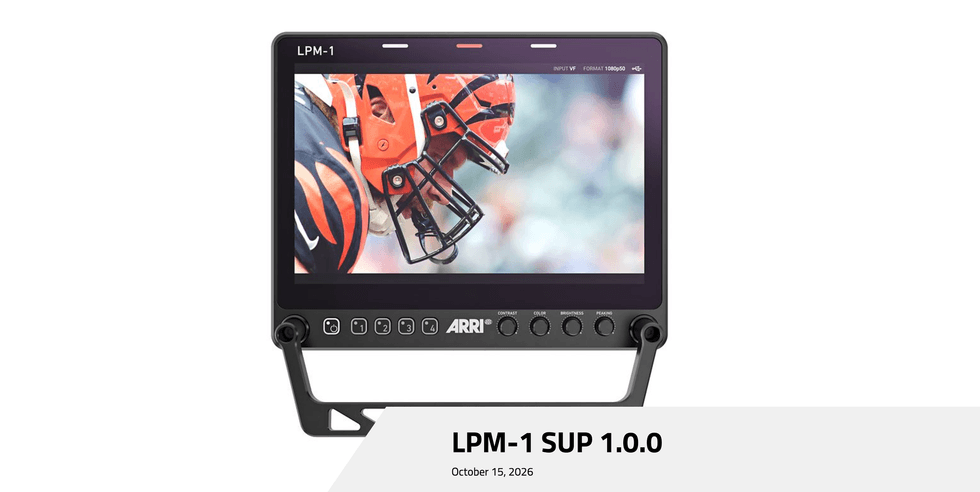
Alongside notable updates to its ALEXA 35mm and 65mm camera range, ARRI has announced an important Software Update Package (SUP) for its Live Production Monitor. The ARRI LPM-1 is getting the release of SUP 1.0.0, which aims to improve the overall user experience of the de facto live window to the company’s ALEXA 35 Live multicam system. The update is also required to stabilize the monitor when it
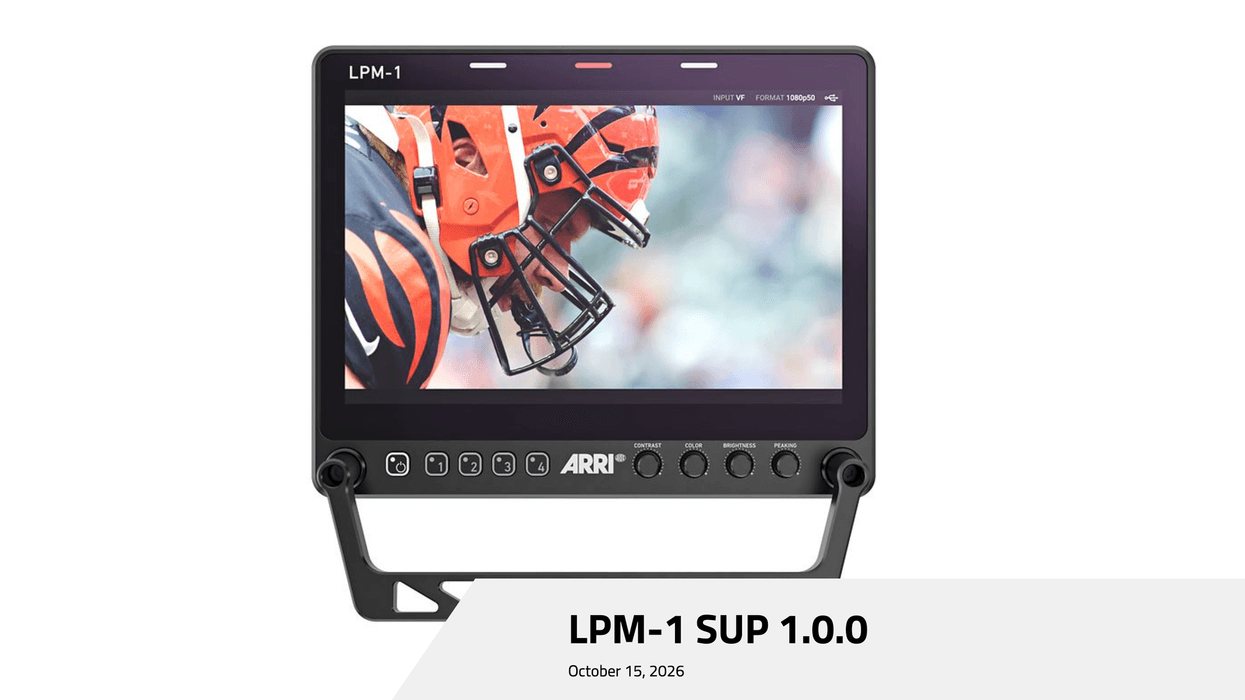
Alongside notable updates to its ALEXA 35mm and 65mm camera range, ARRI has announced an important Software Update Package (SUP) for its Live Production Monitor.
The ARRI LPM-1 is getting the release of SUP 1.0.0, which aims to improve the overall user experience of the de facto live window to the company’s ALEXA 35 Live multicam system. The update is also required to stabilize the monitor when it receives a low power supply voltage, so it’s worth updating as soon as possible.
Here’s what you need to know.
ARRI LPM-1 SUP 1.0.0
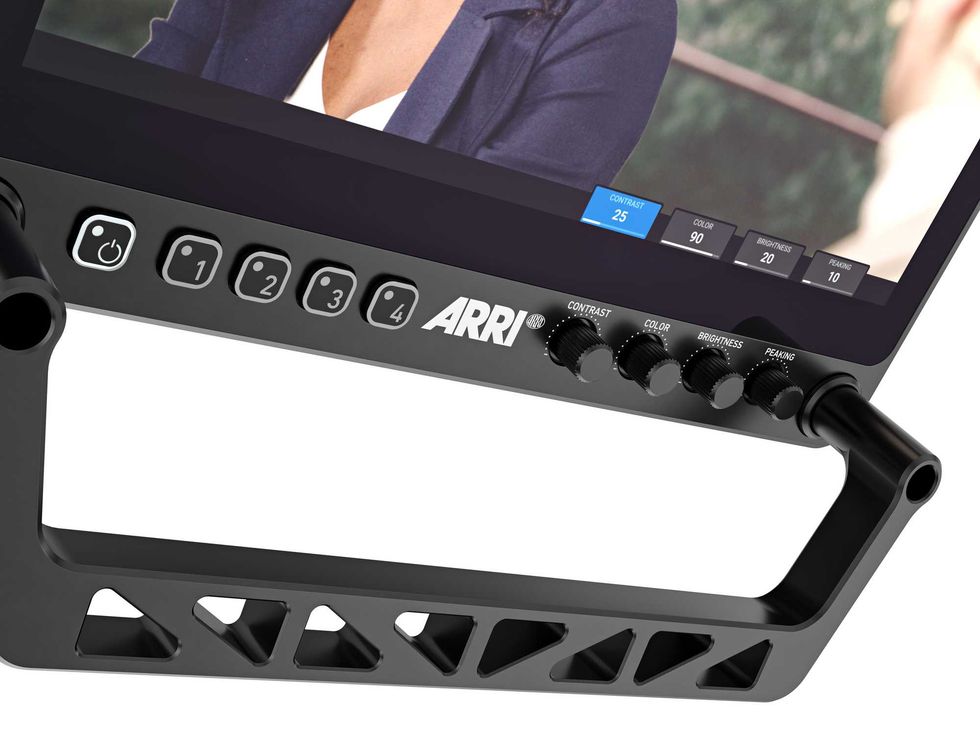
So, anytime you’re dealing with power and supply voltage issues, it’s safe to say this is a critical update you should download and install sooner rather than later. The SUP 1.0.0 is really being released to accomplish two things with the update, which ARRI lists as the following:
- In the event of a low power supply voltage occurring when connected through only the VF cable to the camera, warnings are shown as overlays on the monitor video.
- Should a low power supply voltage be presented, the backlight is automatically limited to a low level to reduce the power needing to be supplied through the cable.
Both are important and should be necessary and helpful for running the Live Production Monitor with your ALEXA 35 Live multicam systems.
How to Download and Install
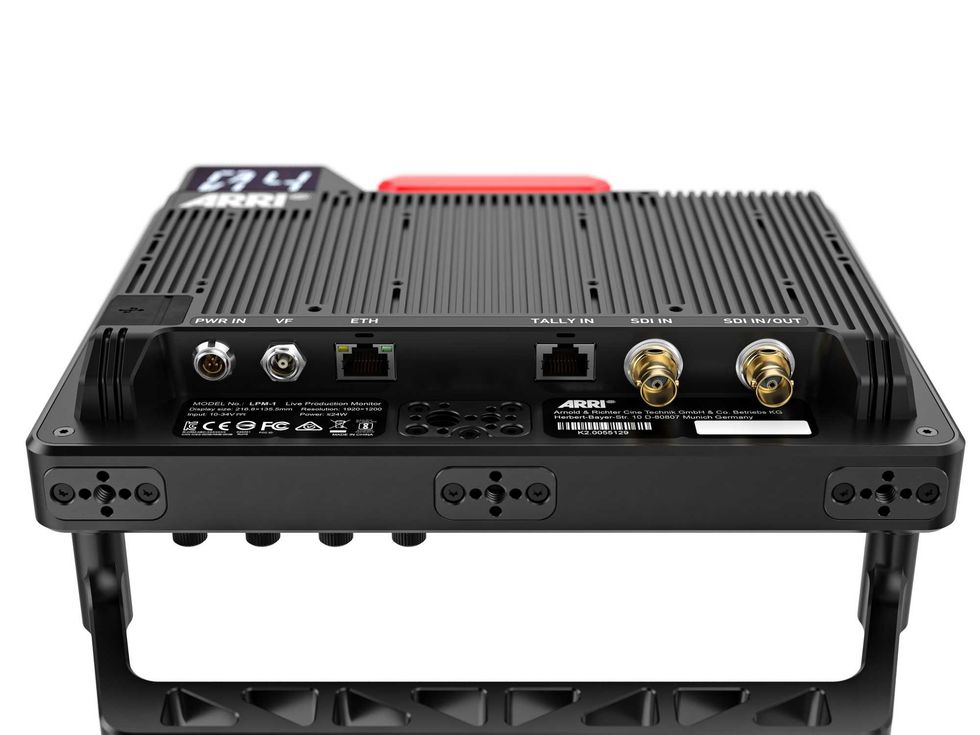
For a complete set of directions for download and installing, here’s a step-by-step guide:
- To install the update file, you will need to prepare a USB-C medium, formatted as FAT32. If using a pre-
- formatted FAT32 USB-C medium that has previously been used for LPM-1 software updates, then remove old
- update files from the USB-C medium base directory.
- Download the Software Update Package in the Software Update Packages download section at
- https://www.arri.com/en/technical-service/firmware/overview-of-all-current-software-update-packages
- to a location on a PC or MAC.
- Unpack the downloaded zip archive to get the update file named LPM-1_1.0.0.sup.
- The update file shall be copied to the base directory of the USB-C medium.
- Make sure the LPM-1 is connected to a camera with a power supply (best) or the camera is powered from the
- AC/DC mains adapter or from a full battery to avoid power loss during the update process.
- Insert the USB-C medium into the LPM-1 USB-C port.
- Open the LPM-1 Menu and select System > Update.
- Select YES to start the update process.
- Do not shutdown the monitor or disconnect power while the update is in progress!
- After the update, the monitor shows “Update Successfully – Please reboot the monitor”.
- Reboot/power-cycle the monitor and remove the USB-C medium.
The company has made the LPM-1 SUP 1.0.0 update available on its website here, where it asks users to review the release notes carefully, including the known issues section, and consult the Live Production Monitor LPM-1 user manual before operating the device to ensure optimal operation.