DaVinci Resolve is Getting Faster as Latest Update Boosts IntelliSearch and OGraf Playback
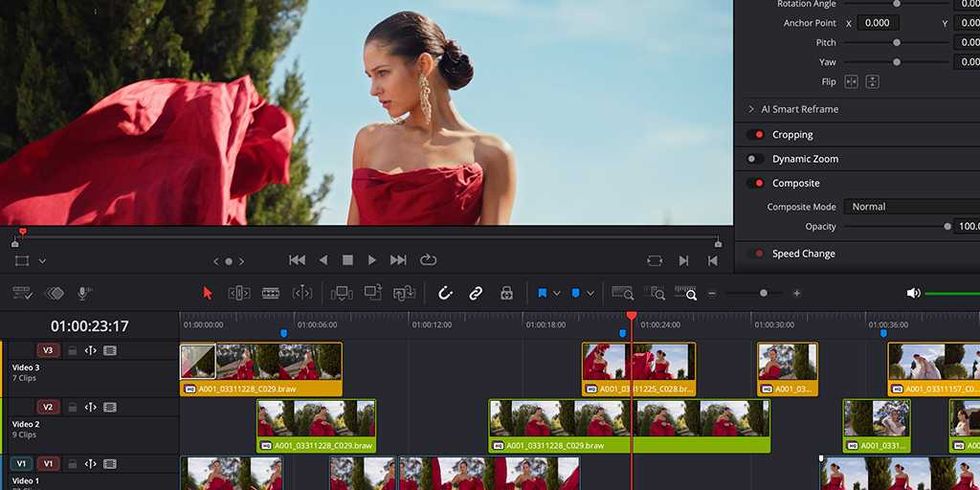
In today’s age of video editing and, well, you know, AI, speed matters more now than ever before. Whether you’re a fan of AI in general or AI tools like Resolve’s IntelliSearch analysis, if you’re using them in your video edit, you’ll want them to work quickly and efficiently. That’s what this latest update for DaVinci Resolve (version 21.1.2) is set to offer: Blackmagic Design has announced up to
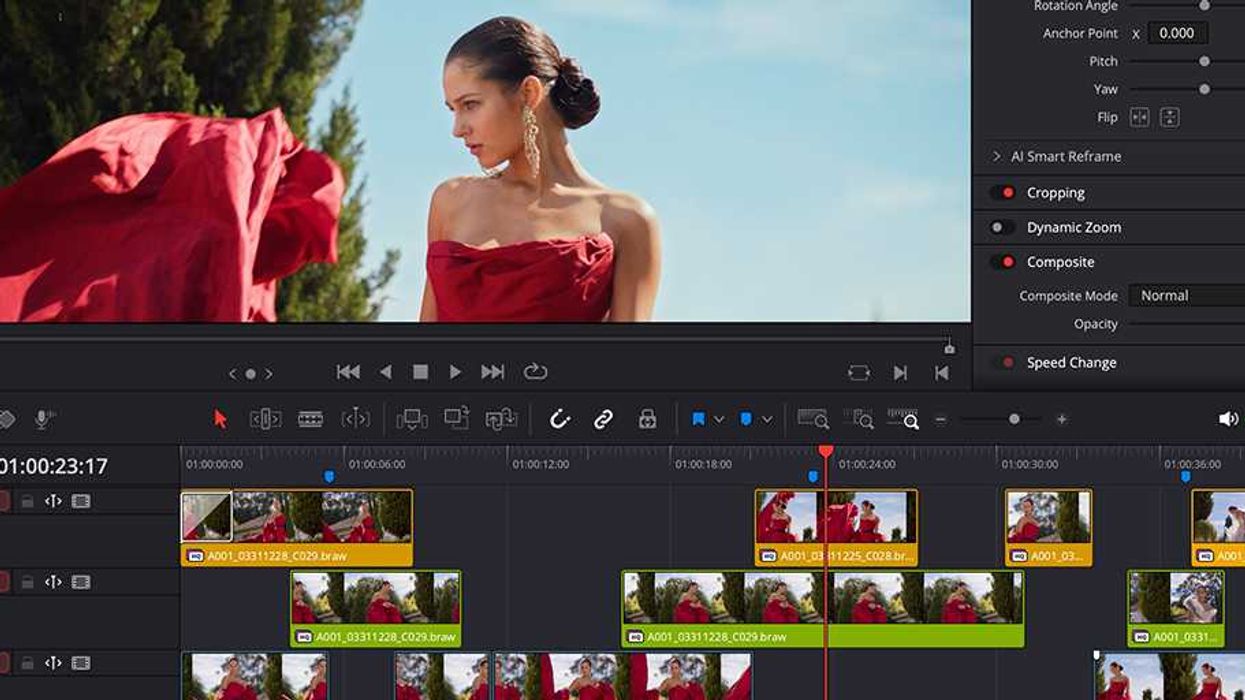
In today’s age of video editing and, well, you know, AI, speed matters more now than ever before. Whether you’re a fan of AI in general or AI tools like Resolve’s IntelliSearch analysis, if you’re using them in your video edit, you’ll want them to work quickly and efficiently.
That’s what this latest update for DaVinci Resolve (version 21.1.2) is set to offer: Blackmagic Design has announced up to fourteen times faster IntelliSearch analysis on Apple M6, plus improved timeline editing and faster OGraf playback.
Here’s everything you need to know.
DaVinci Resolve Update 21.1.2
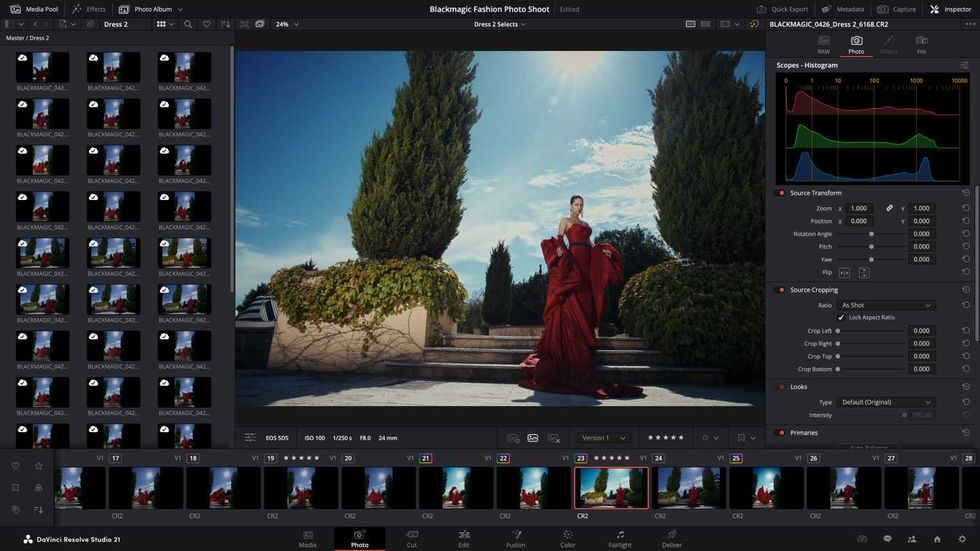
It’s kind of crazy how often Blackmagic Design pushes out DaVinci Resolve updates. It sure feels like the company gives Resolve a boost every week. Some of them are a bit minor, sure. But often they are significant updates and improvements with new features and boosted tools.
This update leans more toward major improvements, as 21.1.2 adds well over a dozen new features and enhancements. The big ones are the aforementioned speed-ups for IntelliSearch analysis on Apple M6 and four times faster OGraf playback.
Timeline editing has also improved, and Resolve gets more Linux graphics support and expanded scripting APIs for automated photo and editing tasks. Here’s a full breakdown of everything new in DaVinci Resolve 21.1.2:
- Select nearest edit point type prioritizes selected edit points.
- Lasso selecting edit points can now enter dynamic trim automatically.
- Selecting edit points for gaps now activates trim editor.
- Timeline view option to display current clip indicator.
- Option to show loudness meters in the edit mixer.
- Project settings option to disable DNG lens correction.
- OGraf clips now use action durations to place stop actions.
- Up to 4x faster OGraf playback in edit and Fusion pages.
- Support for OGraf select and multi-select template controls.
- OGraf responsive templates now adapt to timeline aspect ratio.
- Support for OGraf and Lottie graphics on Linux.
- Improved HDR global wheel trackball sensitivity on color panels.
- Fast Noise option to follow the FX tracker.
- Addressed double squeezed anamorphic video output in Fusion.
- Addressed issue with Follower animation using expressions.
- Addressed overlay issues with SDI and remote monitoring.
- Addressed issue with searches in a smart bin.
- Addressed empty folder in user directory when loading DRP files.
- Addressed issue with selecting multiple titles and subtitles.
- Addressed timeline in-out range issues in collaboration projects.
- Addressed Quick Export not using selected trim pass grade.
- Addressed issue with geometry thumbnails in the media pool.
- Addressed Recent 5 Mins mode inserting full clips.
- Addressed loudness meter not resetting after Cut page scrubbing.
- General performance and stability improvements.
Download and Install
As always, you can find more information on how to download, install, and explore system requirements for this update on the company’s website here.