Krotos Studio 3.0 Brings a New, Searchable Sounds Tab Into Its Audio Editing Workflow
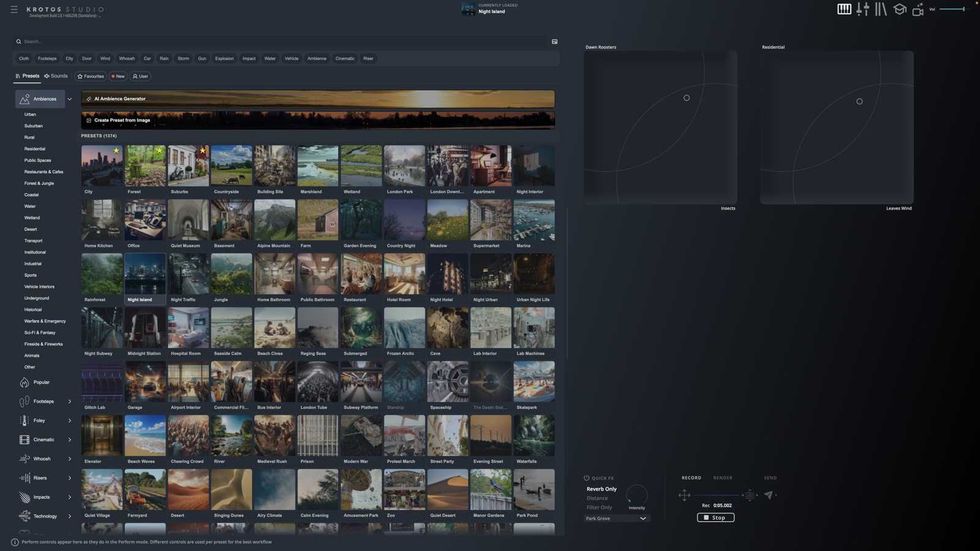
For those working in sound and audio, whether for film and video projects or other multimedia needs, Krotos might be a familiar name known for high-end audio workflows. However, even if you’re new to working with sound and audio for your films or other projects, Krotos Studio is an interesting option for those looking to bring individual recordings from the Krotos sound library directly into the S
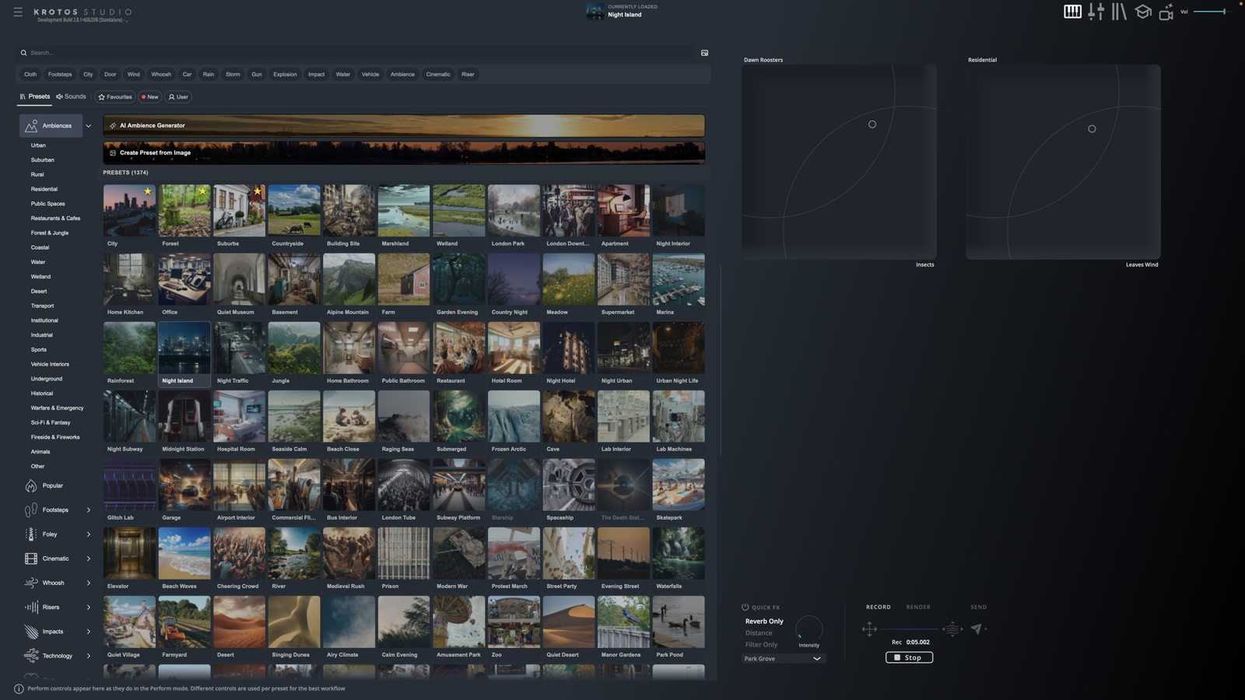
For those working in sound and audio, whether for film and video projects or other multimedia needs, Krotos might be a familiar name known for high-end audio workflows. However, even if you’re new to working with sound and audio for your films or other projects, Krotos Studio is an interesting option for those looking to bring individual recordings from the Krotos sound library directly into the Studio browser alongside its performable presets.
Let’s check out what this new 3.0 update brings to Krotos Studio, with a new Sounds tab that lets users search and audition individual recordings without leaving the application.
Krotos Studio Update 3.0
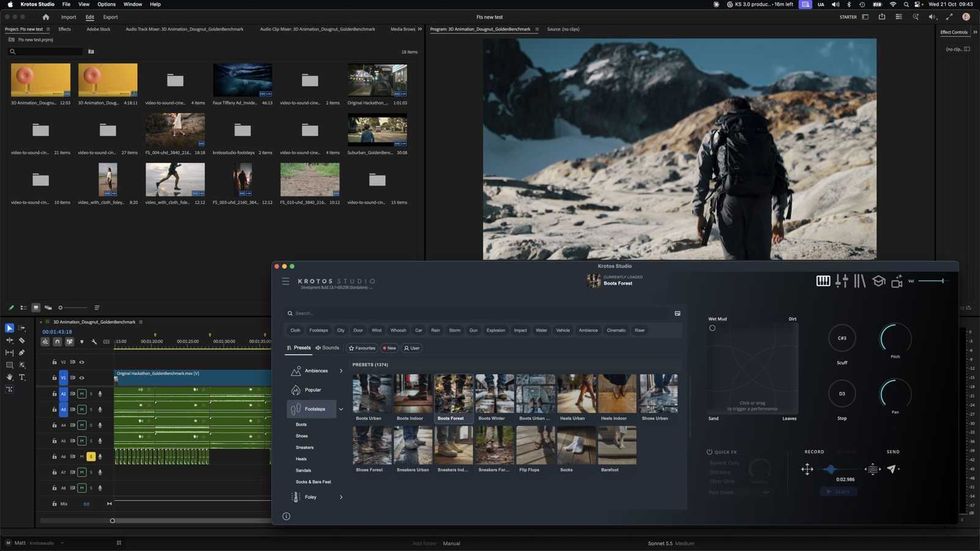
So, basically, this update is really set to give sound designers and editors two ways to approach a scene within the same editing workflow these days. The update will let users search for a specific sound and shape it to fit, or perform and customize a sound directly to match their picture or scene.
These individual recordings in the Sounds browser will also include waveform previews, so users can audition them before adding them to their projects. Users can also choose to adjust pitch and volume while a sound plays, with those settings carried through when the recording is dragged or sent into a session.
Once tailored, users can drag these sounds directly into a DAW, NLE, or onto the desktop. Or—more specifically—for video editors working in Adobe Premiere Pro or DaVinci Resolve, this provides a direct way to explore individual sounds and bring them into an edit, while Krotos Studio's existing performable presets remain available when a scene calls for more detailed control over timing, movement, and character.
Price and Availability
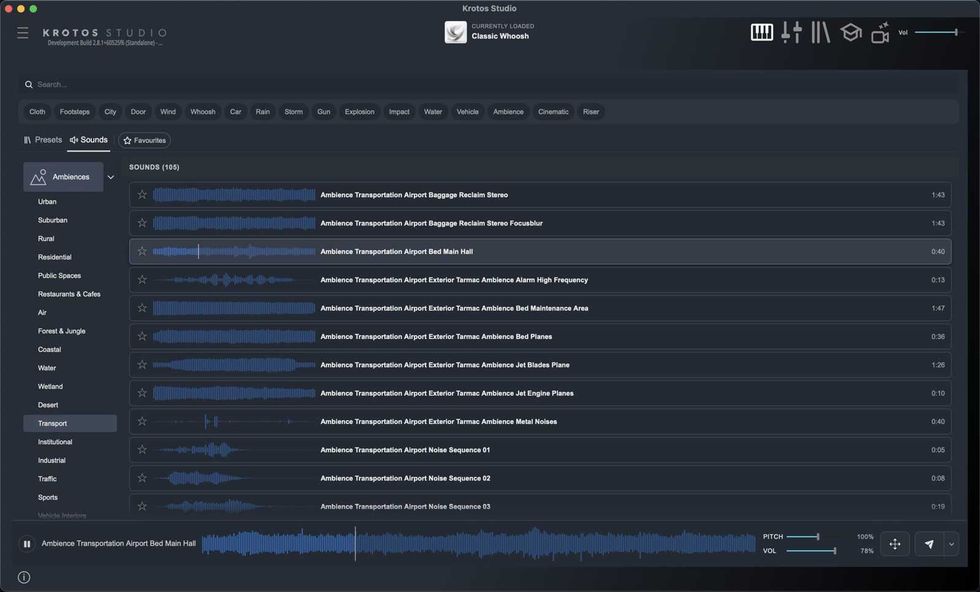
This new Krotos Studio 3.0 update will also introduce a darker default interface alongside Classic and Graphite themes, plus add list, card, and grid views for browsing presets. The company says all sounds included in Krotos Studio will be royalty-free for commercial use.
Krotos Studio is free to trial; for more info on pricing, head to the company’s website here.